

Post a listing
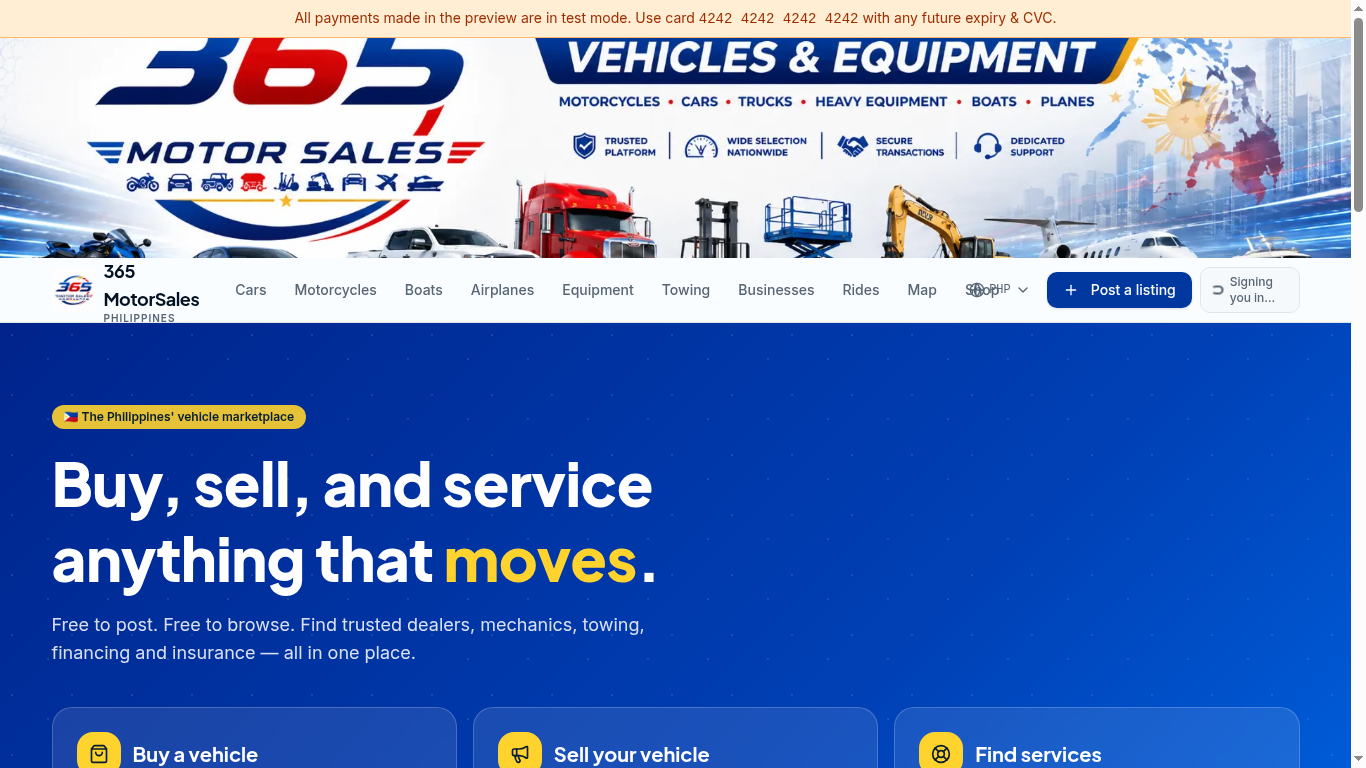
Click Post a listing1
- 1
Click Post a listing
Top-right of every page. You'll be asked to sign in if you haven't already. - 2
Pick a category and vehicle
Choose the type (Car, Motorcycle, etc.) and select make, model and year. - 3
Add great photos
Up to 20 photos and 1 video. Use daylight, clean the vehicle, and shoot from all 4 sides plus interior and engine. - 4
Set your price and location
Prices are in ₱ PHP. Pick the region and city — buyers filter by location. - 5
Publish
Your listing goes live for 60 days. Free.
Boost your listing
Boosts move your listing higher in search and add featured placements.
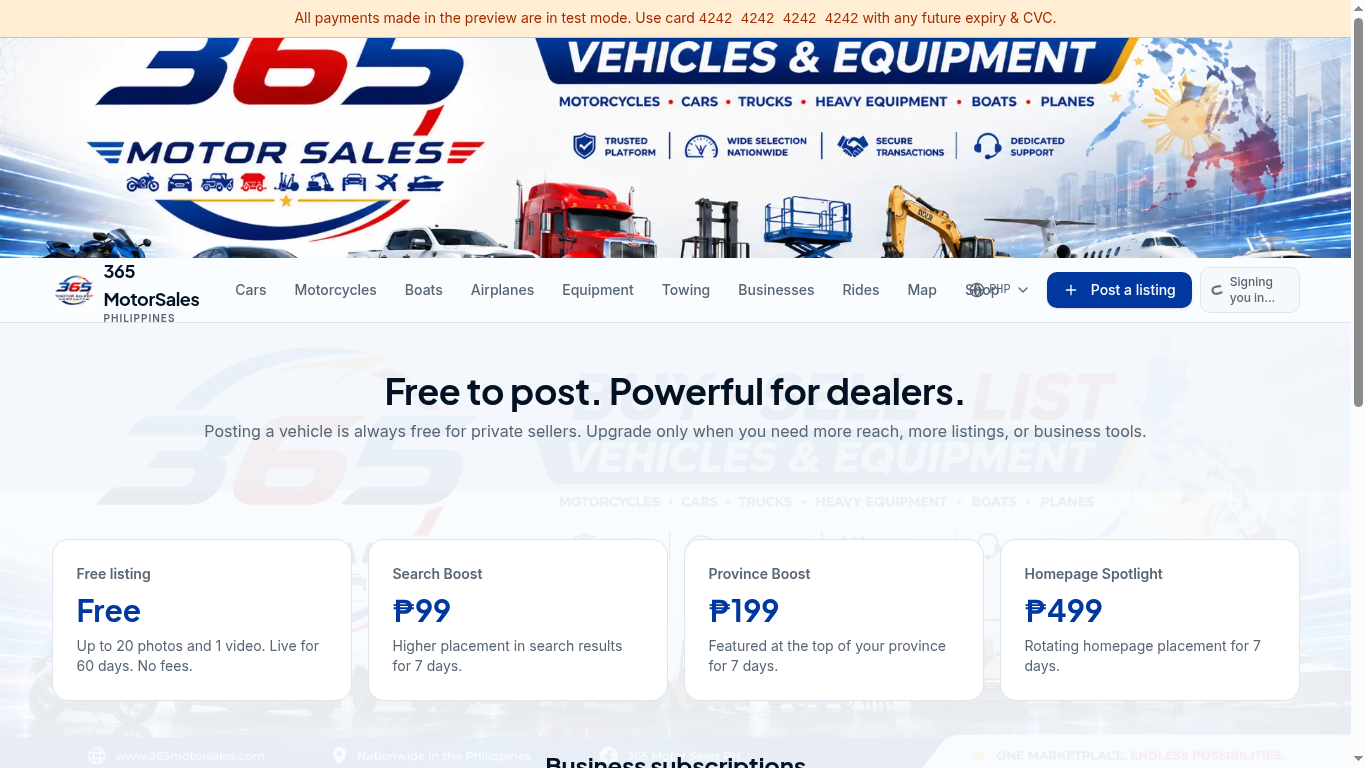
1₱99 — Search Boost
2₱199 — Province
₱499 — Homepage3
- 1
Open Dashboard → My listings
Find the listing you want to promote. - 2
Click Boost
Pick the plan that matches your goal. Stripe handles payment securely. - 3
Track results
Your dashboard shows views and click-throughs while the boost is active.
Photo tips that sell faster
- • Shoot in daylight — avoid harsh midday sun and dark garages.
- • Clean the vehicle inside and out before shooting.
- • Capture all 4 sides, both rows of seats, dashboard, odometer, engine bay and tires.
- • Include OR/CR (cover the plate number) to signal a legitimate listing.
- • Avoid heavy filters — buyers want to see the true condition.