

Search and filter listings
Pick a category from the top nav, then narrow results with filters on the left.
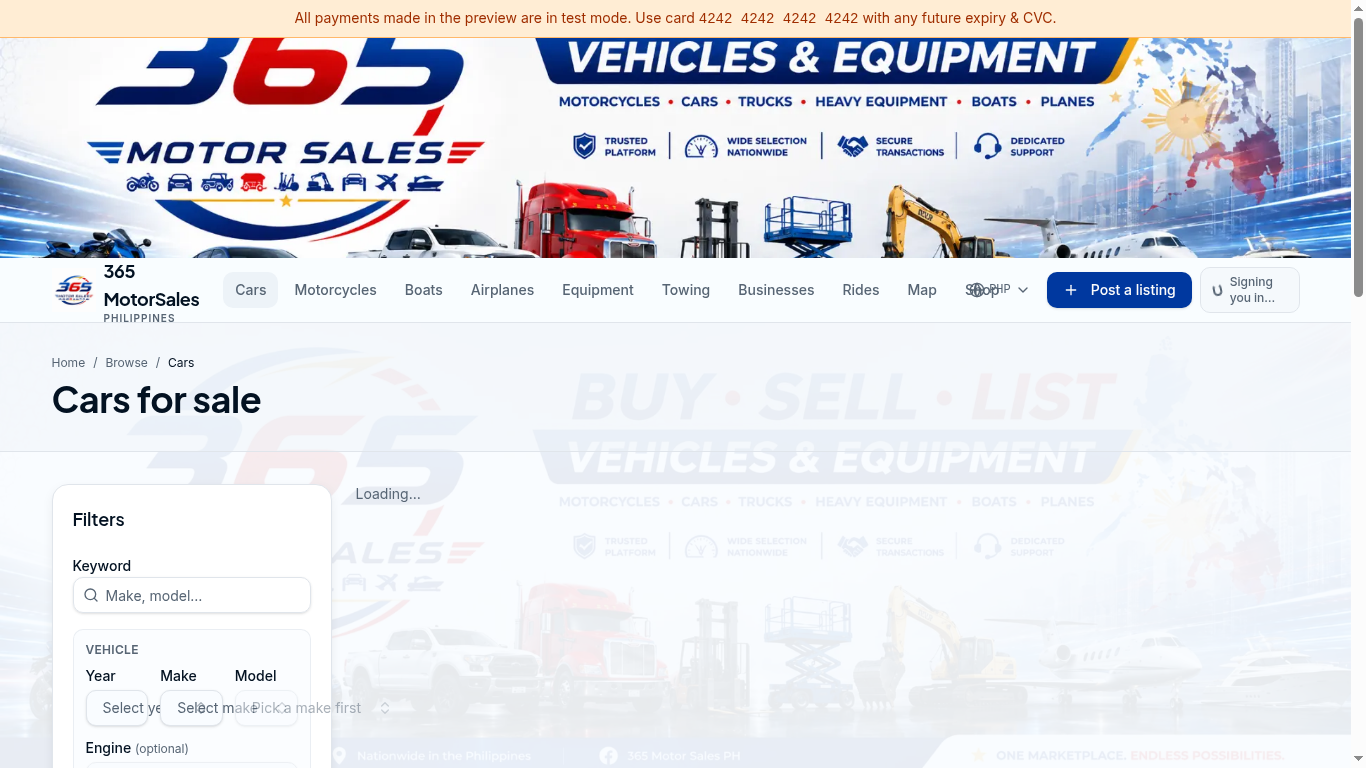
1Category tabs
2Filter by make, model & year
- 1
Choose a category
Click Cars, Motorcycles, Boats, Airplanes, Equipment or Towing from the top nav. - 2
Apply filters
Use the Filters panel to narrow by make, model, year, engine, price and location. - 3
Save a search
Logged in? Click the bookmark icon to get notified when matching listings appear.
Contact a seller safely
- 1
Use on-platform messaging first
Keep early conversations on 365 MotorSales — this protects both buyer and seller. - 2
Inspect in person
Always view the vehicle in daylight at a public, well-lit location. Bring a friend or mechanic. - 3
Verify the paperwork
Check that the OR/CR, chassis number and engine number match. Never pay a deposit before seeing the vehicle. - 4
Use traceable payments
Bank transfer, GCash or Maya. Avoid large cash transactions.
See our Community Guidelines for the full safety checklist.